Bring your accounting, operations and messaging tools into one hub, so data moves between them and your workflows and AI agents can act across every one.

One place to connect the systems your business runs on, so data moves without copy-paste.
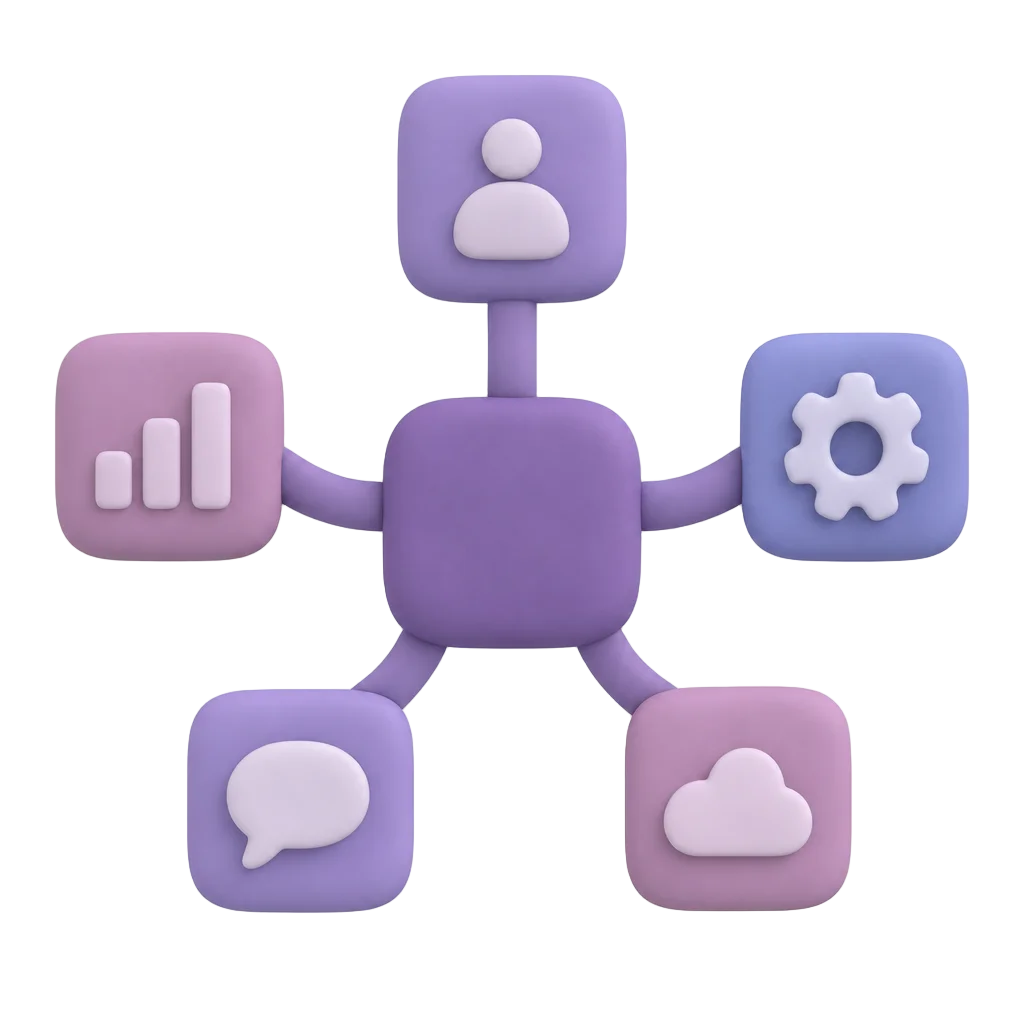
Every workspace arrives with templates for Xero, Stockem, GrabFood and foodpanda, plus a curated MCP catalogue covering Notion, Xero and Oddle. Connect one, then build on it.

Import an OpenAPI specification and Gutsy freezes it into callable operations. Use them in a workflow node or from an AI agent, with no custom integration project required.
Reach people where they already are: WhatsApp, Telegram and email, plus a built-in inbox. Workflow steps and agents can send updates, chase approvals and answer questions.

An AI agent can call a workflow node, an imported API operation or an MCP tool. Every call passes an approval gate first, with rules set by risk.
Your connections become the reach of your workflows and your agents.

Connect your systems to Gutsy and let the routine work move itself.
Get StartedCredentials are stored in a workflow credential vault where you can create, rotate, and test them per step.
Yes. Each request is checked against your allowed list before it runs.
Secure Integration Hub
 Credential VaultStore, change, and test the login details your workflows use, per step.
 Allowed List ChecksEvery outbound request is checked against your allowed list before it runs.
 Universal Data SyncConnect your whole tech ecosystem and keep records in step automatically.
 Secure API GatewayOne governed gateway for every system your workflows touch.

The Unified Operating System for Human and AI Workforces.