Gutsy's Agent Orchestrator runs the steps a job needs. The AI drafts, checks and routes. Your people approve what matters. Every action stays inside the permissions you set, and every step is logged.
Works with the HR and payroll data already in Gutsy.
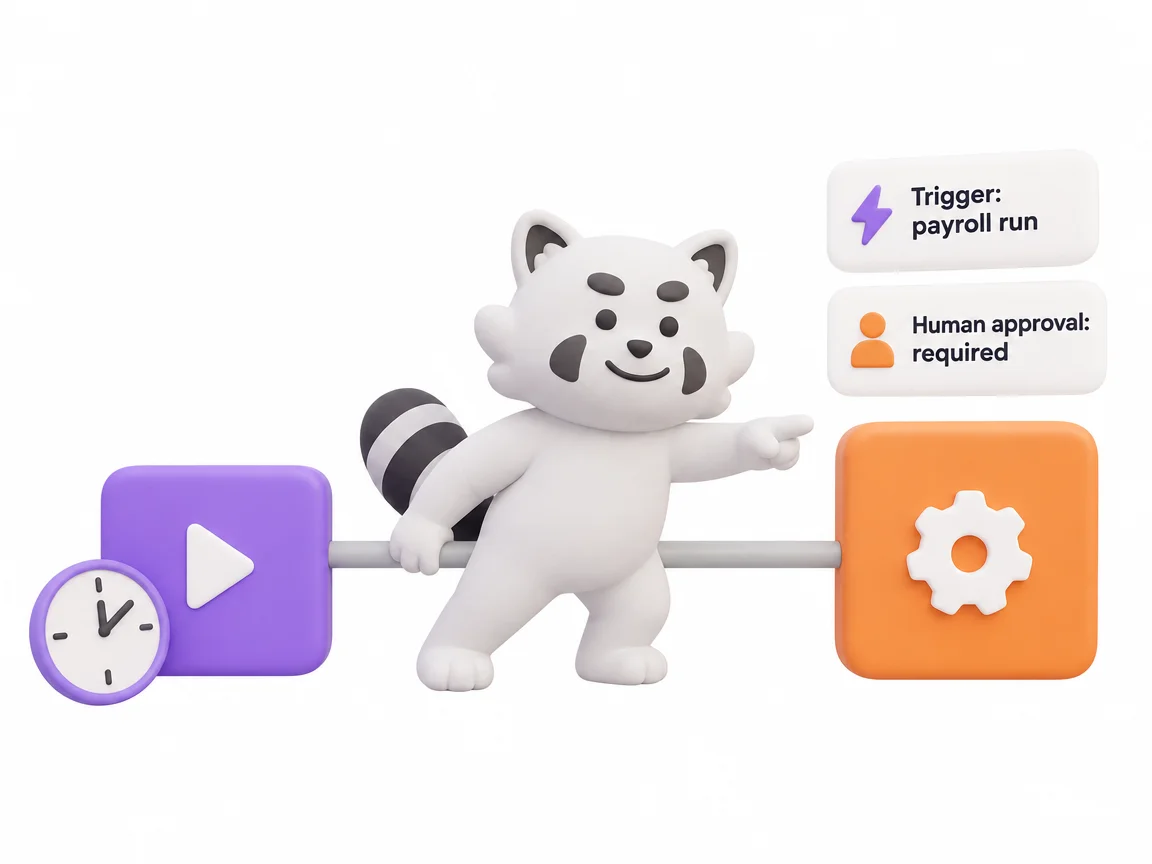
Automation without orchestration is just a faster way to be wrong. Gutsy keeps a human in the loop where it counts.
Decide which steps run on their own and which wait for a person. High-stakes actions stop for a human.
Triggers, decisions, AI steps and approvals live on one canvas, instead of scattered chat threads and spreadsheets.
Every agent and every person only touches the data their role allows. Nobody sees more than they should.
Every run is traced — what ran, what it cost, and what changed.
Five steps, from the first trigger to the audit record.

Unified Workforce Command
 Multi-Step CoordinationConnect triggers, AI drafting, and human sign-offs on a single, secure visual canvas.
 Governance by DesignSet hard rules for what AI can do alone and what must wait for a human manager to approve.
 Document-Aware LogicAI agents pull facts from your internal handbooks to route requests and draft compliance checks.
 End-to-End AuditEvery decision — whether by AI or human — is logged, timestamped, and costed for total visibility.
AI steps bill against your monthly AI credits like any other AI use.
No. You build the flow visually — connect the steps, set the rules, publish.
Approvals. You choose which steps need a human, and the AI cannot skip them.
No. Each agent and each person is scoped to their role.
Yes. Most teams start with a single process and add more as they go.

The Unified Operating System for Human and AI Workforces.