Blog - Gutsy HQ
Gutsy Gutsy
Automation Suite

Visually Design Business Logic Without Code

Deploy complex workflows that connect people, data, and systems in minutes. No technical debt. No manual coordination. Just absolute clarity in operations.

Singaporean workflow builder in an olive utility shirt and the Gutsy clay character both holding one clay flow-chart chip
Visual Logic

Beyond Drag-and-Drop

A canvas where business rules become live workflows — no code, no hand-offs, no drift.
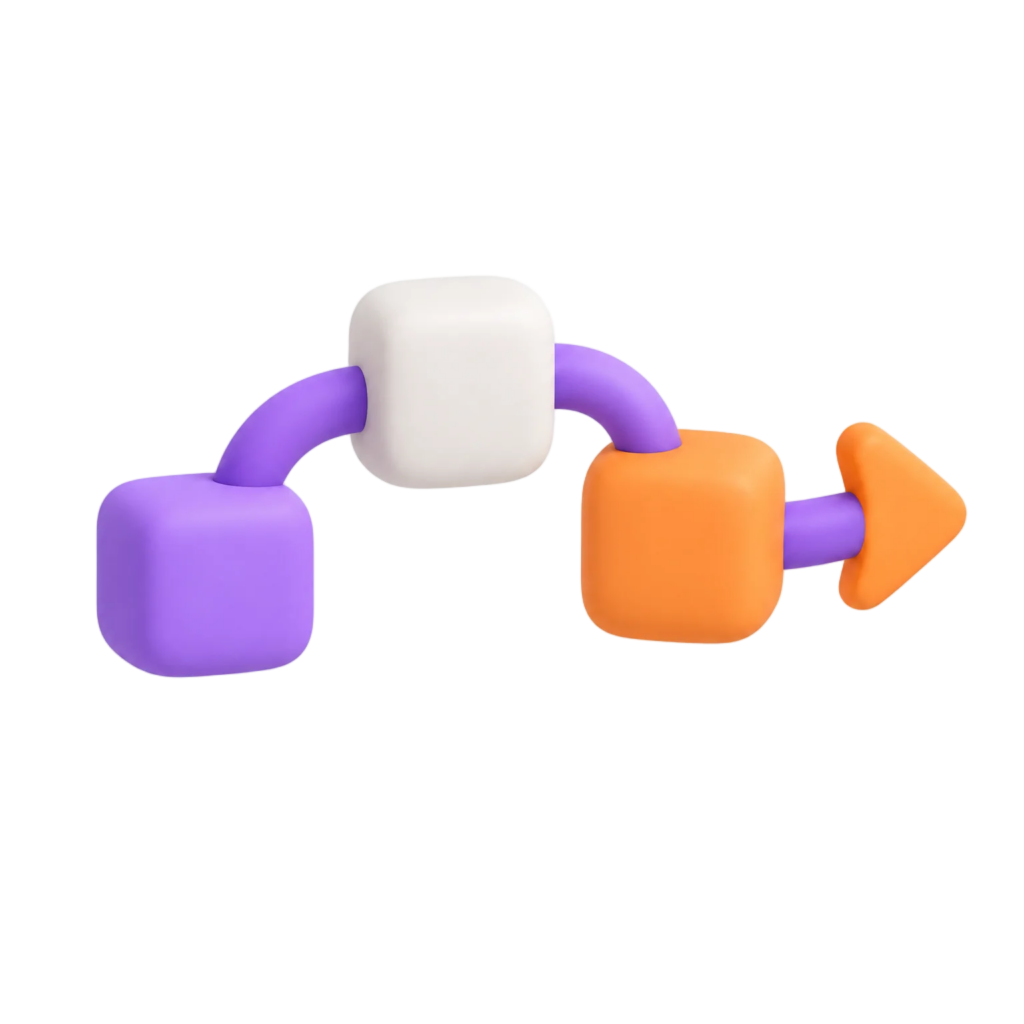
Clay blocks joined by a purple flow tube ending in an orange arrow, representing visually designed workflow logic

Draw It, Don't Code It

Drop nodes onto one canvas to build approvals, branches and data steps. What you see is exactly what runs.

Clay warning triangle with an orange exclamation mark, representing automatic conflict detection

Logic That Thinks Ahead

If-this-then-that rules read live team data, stop the same task being done twice, and route each case to the right person.

Logic Control

Control How Your Workflows Run

Built to be steady and dependable.

  • Rules for What Happens Next: Use simple "if this, then that" logic based on live team data and checks.
  • Starting Points: Start workflows by hand, on a set schedule, on a form submission, or from a webhook.
  • Versions: Save a copy, go back to an older one, and test new logic safely before it goes live.
GutsyHQ clay mascot and a Singaporean professional reviewing a workflow Platform Flow panel on a tablet
Components

Everything You Need to Automate Success

Git-Branch Logic

Branching Paths

A standard, versioned way to handle workflows that split into steps.

Zap-Speed Triggers

Instant Triggers

Workflows start the moment something happens in your system.

Scheduling Lab

Scheduling

Set workflows to run on set schedules and shift patterns.

Security Guard

Security Guard

Keeps each automation step within the data your company allows.

Ready to solve complexity?

Deploy your first automated process in minutes.

Launch Builder

Workflow Builder FAQ

Do we need developers to build workflows?

No. Drag-and-drop logic lets you build multi-step approval chains through approval nodes, without touching a line of code.

Can workflows react to real-time events?

Yes. Workflows can start on a schedule, a form submission, or an incoming webhook.

Can we test changes before they go live?

Yes. Save a copy, go back to an older one, and test new logic safely before it goes live.

Draw It, Deploy It, Watch It Run

Visual Logic, No Code

  • Matte clay icon of joined workflow blocks Visual CanvasDrop nodes onto one canvas to build approvals, branches and data steps.
  • Matte clay icon of a refresh loop Instant TriggersStart workflows by hand, on a schedule, on a form submission, or from a webhook.
  • Matte clay icon of a branching path Branching PathsSplit a workflow into steps and route each case to the right person.
  • Matte clay icon of a shield with padlock Versioning & GuardrailsSave a copy, roll back, and test new logic safely before it goes live.